Pick the category that matches the comparison you want to make.
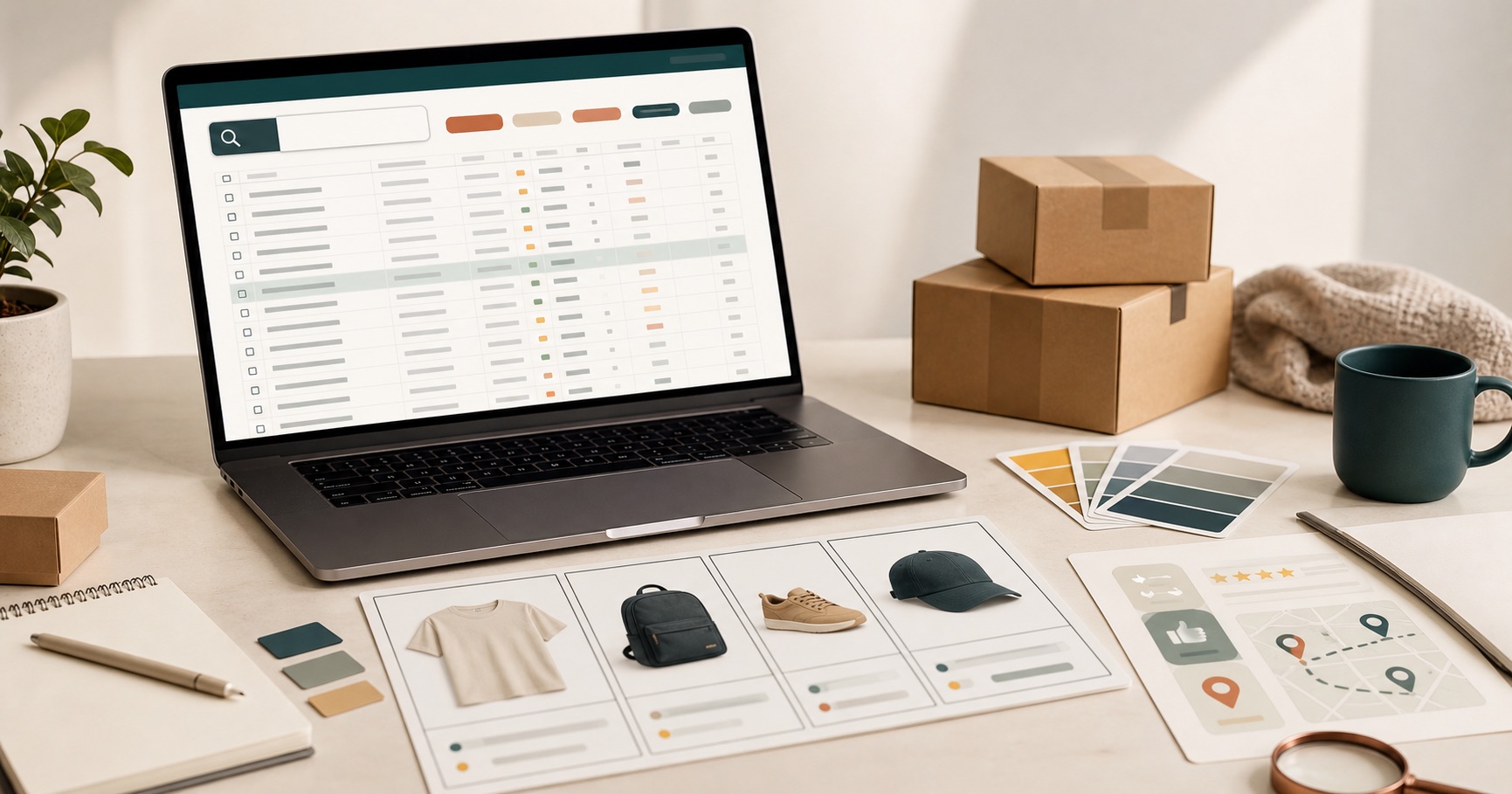
The best Mulebuy Yupoo spreadsheet category is the one that keeps similar products together. A good category choice reduces random scrolling, makes prices easier to compare, and helps you notice when a listing does not belong.
Fast choice
Start with the section that matches the decision in front of you, then switch to search when a repeated product name or model appears.
- Clothing works best when the outfit idea is still broad.
- Shoes, bags, accessories, and electronics work best when the item type is already clear.
- Specific lanes like hoodies, jackets, pants, and shorts are useful after a broad clothing scan.
Start with the buying question
Do not choose a section only because it is popular. Choose it because it matches the decision you are trying to make. Shoes, bags, clothing, accessories, and electronics all require different checks. Shoes need model, shape, color, and size attention. Bags need use case, dimensions, material, and carry style. Clothing needs fit, fabric, color, and season.
Clothing: best for broad outfit browsing
Clothing is the safest broad starting point when you are still shaping an outfit idea. It works well for hoodies, jackets, T-shirts, pants, shorts, and sets because you can compare style direction before choosing one exact item type.
Use clothing when the question is still open: Do I want a hoodie or a jacket? Do these pants work with the rest of the outfit? Which top style should I compare first?
Shoes: best when footwear is already the plan
Shoes are easier to compare when they are not mixed with clothing and accessories. Use this section for sneakers, runners, boots, slides, cleats, and other footwear searches.
When scanning shoes, compare similar silhouettes together. A running shoe and a basketball shoe may both be footwear, but they answer different needs. Keep the comparison tight.
Bags: best when the use case matters
Bags make sense when the purpose is already clear: daily carry, travel, school, gym, crossbody, backpack, tote, or handbag. This category is less about one image and more about whether the product fits how it will be used.
Before opening more bag listings, look for size clues, strap style, pockets, material, and whether the shape matches the intended use.
Accessories: best for finishing pieces
Accessories are better for belts, jewelry, eyewear, watches, scarves, hats, wallets, and smaller details. The risk with accessories is opening too many tiny add-ons that do not belong in the same comparison.
Use accessories when the main outfit is already clear and you are comparing small details, not when you are still deciding the core item.
Electronics: best for practical add-ons
Electronics is the place for headphones, speakers, cables, chargers, and device accessories. Unlike clothing, electronics need more attention to function, compatibility, included parts, and product notes.
If a listing does not clearly explain what the item does or what it fits, treat it as a weak candidate.
Smaller clothing lanes: when to narrow further
After a broad clothing scan, move into more specific lanes if you know the item type. Use T-shirts when the search is lightweight and graphic-driven, hoodies when fit and fabric matter, jackets when season and outerwear shape matter, pants when cut and length matter, and shorts when warm-weather fit is the main question.
A quick way to choose
| What you have in mind | Best first route | Check before opening tabs |
|---|---|---|
| General outfit browsing | Clothing | Whether the item type becomes clear after a short scan. |
| Sneakers or footwear | Shoes | Model, shape, color, and size clues. |
| Carry or travel need | Bags | Size, strap style, pockets, and use case. |
| Belts, jewelry, glasses, watches | Accessories | Finish, color, dimensions, and whether it matches the outfit. |
| Utility or device shopping | Electronics | Function, compatibility, included parts, and notes. |
| Specific clothing item | T-shirts, hoodies, jackets, pants, or shorts | Fit, fabric, season, color, and product title detail. |
After you choose a section
If the section feels too narrow, open the broader Mulebuy Yupoo spreadsheet and reuse words from the product titles you already saw. It is better to go wider with a clue than to start wide with no plan.
When a category is not enough
Switch from category browsing to search when you notice repeated names, a clear model, or a seller you want to inspect. Categories help you discover. Search helps you confirm and compare tighter matches.
For the full workflow, read the complete guide. If you are still unsure whether to start from a sorted page or seller pages, read the side-by-side explanation.
