Use the spreadsheet to choose, then use seller pages to inspect.
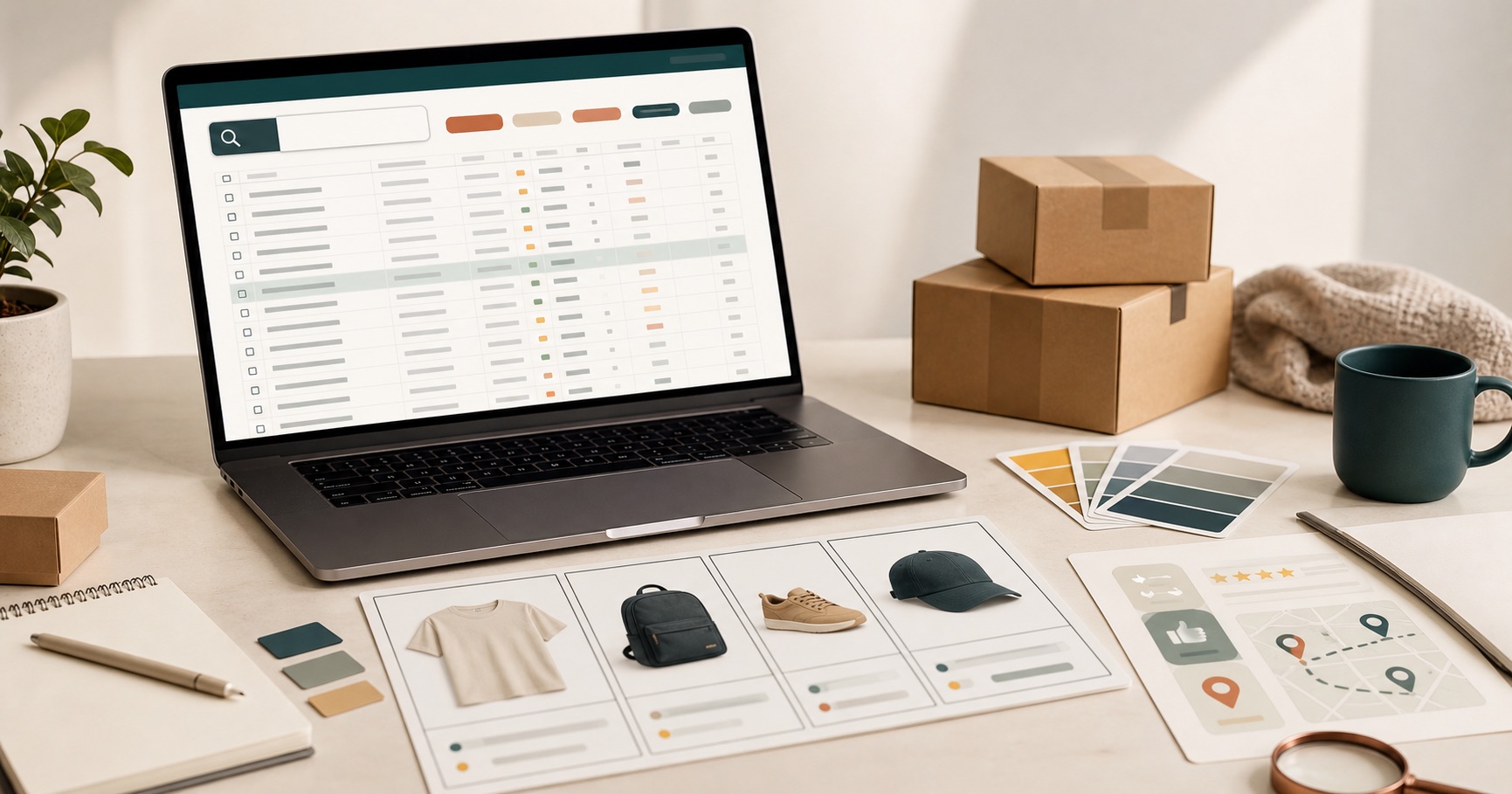
A Mulebuy Yupoo spreadsheet and a seller page solve different problems. The spreadsheet helps you find a route and compare similar products. Seller pages help you inspect a narrower set of products once you already know what matters.
Bottom line
Start with the spreadsheet when the search is still broad. Move to seller pages after you can describe the comparison clearly.
- Use sorted pages to choose a product type or build a first shortlist.
- Use search when you already have a name, model, seller, or link.
- Use seller pages for closer inspection after the shortlist is small.
Start from a spreadsheet when the search is still messy
This is the better first move when you know you want to browse, but you have not settled on clothing, shoes, bags, accessories, or a specific product name. A sorted Mulebuy Yupoo spreadsheet gives the session structure before you go deeper.
| Starting style | Best for | Main risk | Best next step |
|---|---|---|---|
| Sorted page | First visits, broad browsing, choosing a section | Too broad if you already know the seller | Move into a category or search term. |
| Seller pages | Known sellers, known product type, closer inspection | Messy if you are still deciding what to buy | Compare source details and product options. |
| Search | Known product name, model, seller, or pasted link | Misses useful options if your wording is too narrow | Use titles from good listings as your next search. |
Move to seller pages when you already have a shortlist
If you know the seller, item type, or product model, seller pages can become faster. You no longer need a broad starting page to help you choose. At that point, you need clearer product detail, options, sizing, photos, and context.
The right moment to switch is when you can describe what you are comparing in one sentence: "black crossbody bags," "running-style sneakers," "heavyweight hoodies," or "small accessories for one outfit." If you cannot describe the comparison yet, stay with categories a little longer.
The difference
A sorted page helps you choose
It answers the question, "Where should I start?" It is useful for category choice, quick scanning, and reducing the number of unrelated tabs.
Seller pages help you inspect
They answer a different question: "Now that I know what I am after, which seller pages are worth my time?" They are useful for deeper product context, but only after the search has a direction.
A hybrid workflow that works better
- Start with the spreadsheet if the search is broad.
- Choose a category that matches the item type.
- Scan images and titles to build a small shortlist.
- Use search if a repeated product name or model appears.
- Open seller pages only for the shortlist, not for every possible item.
- Compare details before deciding which item deserves more time.
If you are still choosing the item type, do not start from a pile of seller pages.
When direct browsing is the wrong first move
Direct seller browsing is weak when you are comparing unrelated products, when you do not know the item type, or when you are opening pages only because they might be useful later. That creates work without a decision. Use the spreadsheet to narrow first, then inspect.
When seller pages are the right move
Seller pages are the right move when you need more detail than the spreadsheet can provide. Use them when you need to confirm available options, compare product presentation, check whether a seller page has related items, or inspect details that do not fit neatly in a spreadsheet row.
Where to go next
For most people, the next click is either one product section or the main Mulebuy Yupoo spreadsheet. Start there, then move deeper only if the item is worth inspecting.
Need the full workflow? Read the complete guide. Need help choosing the first section? Go to the category breakdown.
