Mulebuy Yupoo Spreadsheet Guide: search, sections, and smarter first clicks.
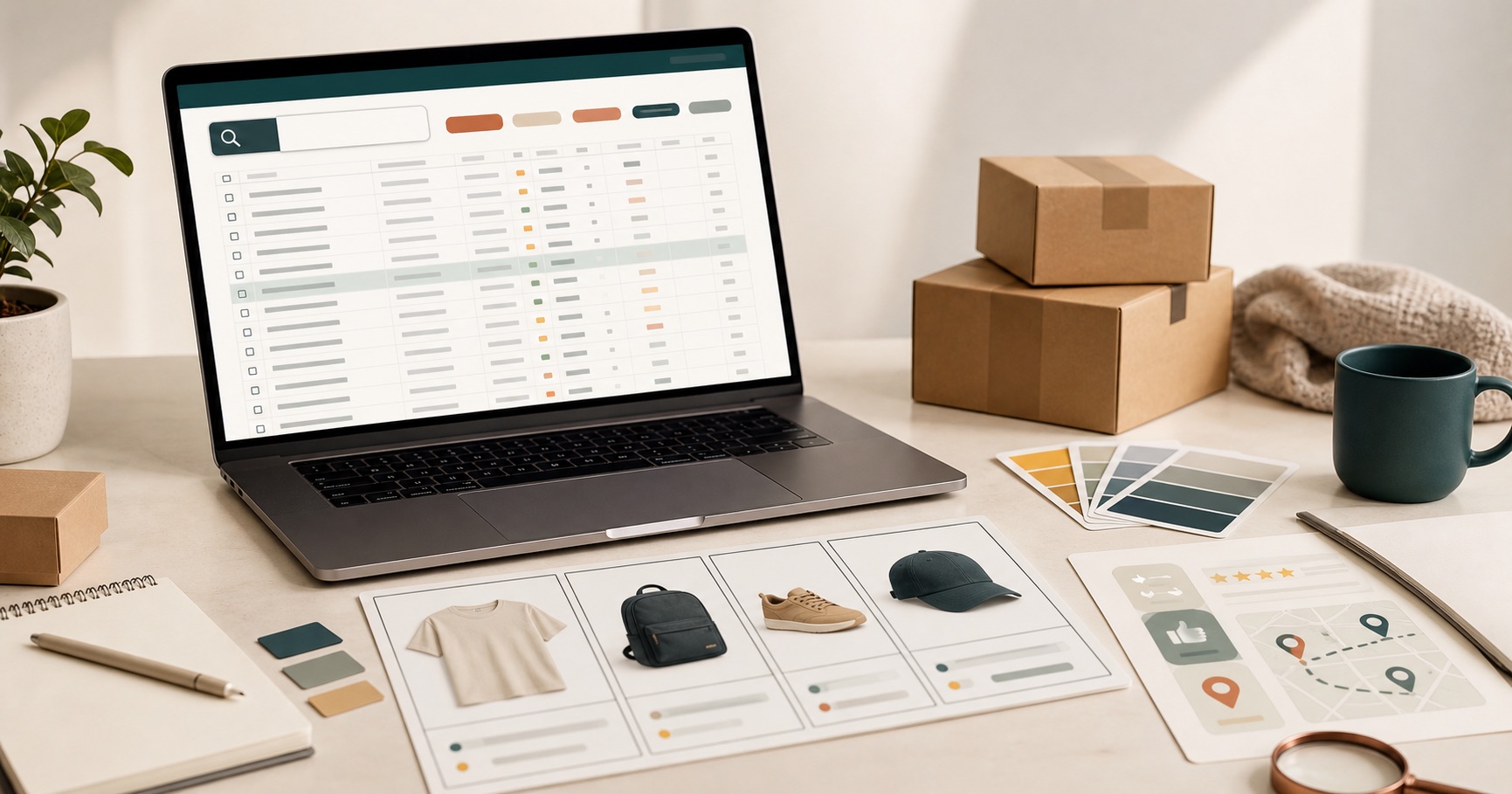
A Mulebuy Yupoo spreadsheet is most useful when it helps you make a better first decision. Instead of opening every seller page, use the spreadsheet to decide what kind of item you want, which section fits the search, and what details deserve a second look.
Bottom line
Use the spreadsheet as a first filter, not as the final decision. The best first move depends on how much you already know.
- Have a product name, model, seller, or link? Use search first.
- Only know the item type? Open the matching section first.
- Still browsing ideas? Start wider, then narrow once the comparison is clear.
What a Mulebuy Yupoo spreadsheet is for
The spreadsheet route works like a shopping map. It can help you move from a broad idea, such as shoes or hoodies, into a smaller group of products that are easier to compare. The point is not to collect the most links. The point is to reduce random browsing and keep similar Mulebuy finds together.
Use it when you want a starting point before checking product pages, seller albums, QC photos, size notes, Taobao links, Weidian finds, 1688 products, or agent purchase details. If a listing looks interesting, treat the spreadsheet as the first filter, not the final decision.
Choose the right route before searching
Most bad browsing sessions start with a page that is too broad. Before you search, choose one of three routes:
- Specific item: use the search box with the product name, seller name, search term, QC clue, or pasted product link.
- Known category: open a section such as shoes, bags, clothing, accessories, or electronics first.
- General browsing: start with a wider page, then narrow once a product type becomes clear.
What to check before opening more tabs
A useful spreadsheet should help you compare details quickly. Before opening a new tab, pause on the listing and check what the row tells you.
| Detail | Why it matters | Better next move |
|---|---|---|
| Product image | It helps you decide whether the style matches the search before reading deeper. | Compare similar images inside the same category. |
| Product title | Titles often reveal size, model, color, version, or item type. | Search the key term again if the title looks too vague. |
| Source link | The original page is where details, options, and seller context usually live. | Open it only after the item passes your first filter. |
| Price signal | Very low or very high prices need extra comparison, not instant trust. | Check nearby listings with similar photos and names. |
| QC or review clues | Photos and buyer notes can reveal shape, stitching, color, and packaging details. | Use them as supporting evidence, not as the only reason to choose. |
Best sections for a first visit
If you do not know where to begin, use the item type to choose the first page. Shoes are easier to compare with shoes. Bags are easier to compare with bags. Clothing is useful when the goal is still broad, such as outfit ideas, hoodies, jackets, pants, or T-shirts.
Accessories and electronics should usually be separate from clothing searches because the buying criteria are different. For accessories, small details matter. For electronics, function, compatibility, and included parts matter more than style.
Search when you know the item, browse when you know the category
Search is best when you already have a name, model, seller, or pasted link. Browsing is better when the item type is known but the exact product is not. A good workflow is to start with a category, shortlist a few products, then reuse words from those product titles to find better matches.
Do not use the full spreadsheet as a replacement for comparison. Use it to build a smaller comparison set.
A better quality-check mindset
Do not treat one image, one price, or one seller page as enough. When a product looks interesting, compare it against nearby options. Look for repeated product names, consistent photos, useful size notes, and any available quality-control clues. If details are missing, keep the item on a maybe list instead of treating it as confirmed.
This approach is slower than impulse clicking, but it usually saves time because weak listings drop out early.
Pros and limits of using a spreadsheet route
| Works well for | Less useful for | How to handle it |
|---|---|---|
| Finding a starting category | Final quality decisions | Use the spreadsheet first, then check source pages and product details. |
| Comparing similar products | Understanding every seller policy | Open seller or agent pages only after narrowing the list. |
| Reducing random tabs | Guaranteeing availability or exact options | Confirm color, size, price, and source details before acting. |
A simple workflow for new users
- Decide whether you know the product name, only the category, or only the general style.
- Use search for a specific name or open a section for a known product type.
- Scan product images and titles before opening extra tabs.
- Shortlist a few similar listings instead of choosing the first one.
- Check source pages, options, prices, and any QC clues.
- Remove listings with weak details, unclear product names, or mismatched categories.
- Only move deeper once the item is worth closer inspection.
Quick questions
Is a spreadsheet better than direct Yupoo browsing?
It is better at the start when you need structure. Direct seller pages become more useful after you know the item type or seller you want to inspect.
Should beginners start with search or categories?
Start with search if you already have a product name or link. Start with categories if you only know the item type.
What is the biggest mistake?
The biggest mistake is opening too many unrelated pages before deciding what you are comparing. Choose a route first, then compare products inside that route.
Read next
For a step-by-step route, read how to use the spreadsheet. For category decisions, use the section guide. To search with better wording, use the Mulebuy spreadsheet search guide. For shipping cost, coupons, reviews, and safe-use questions, read the Mulebuy shipping and review guide. If you are deciding between sorted pages and seller pages, read the comparison guide.
