Use the Mulebuy Yupoo spreadsheet like a shortlist tool, not a tab opener.
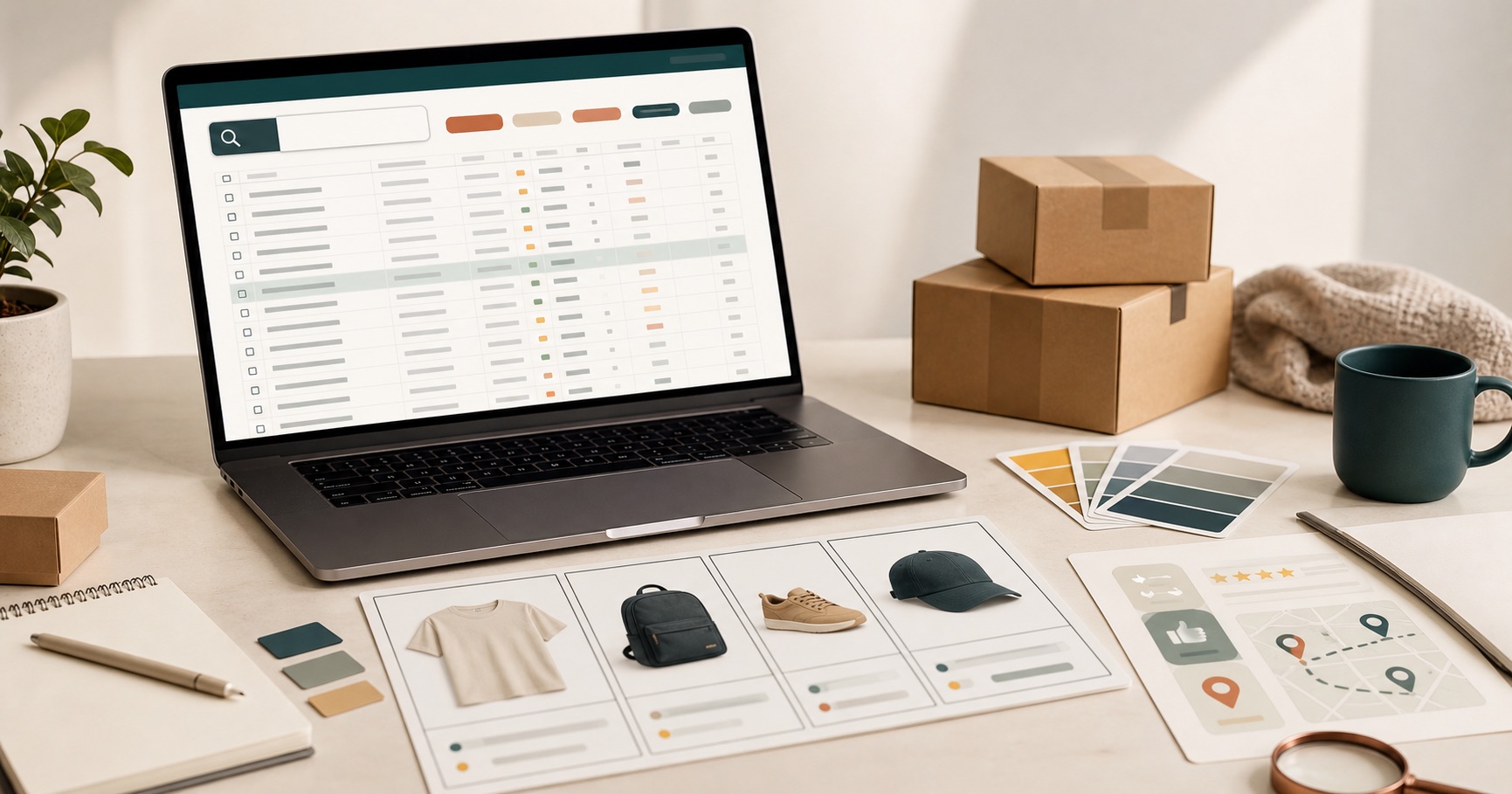
A spreadsheet is useful when it turns a messy product hunt into a smaller set of choices. The goal is not to click every listing. The goal is to decide what you are looking for, compare similar items, and remove weak options before you spend time on seller pages.
Quick workflow
Start with one clear route, scan lightly, and only open tabs for items that can still compete with each other.
- Search when you have a name, model, seller, or pasted link.
- Open a category when the item type is clear.
- Shortlist three to six similar listings before checking source pages.
Step 1: decide how specific your search is
Start by naming the search type. If you have a product name, model, seller, or pasted link, use the search box. If you only know the product type, open the matching section first. If you only have a broad style in mind, start wider and narrow down after a few minutes.
| Your situation | Best first action | What to avoid |
|---|---|---|
| You have a product link | Paste it into search. | Browsing categories before checking the link. |
| You know the item type | Open shoes, bags, clothing, accessories, or electronics. | Starting from a mixed page with unrelated products. |
| You are exploring styles | Start with clothing or the full Mulebuy page. | Opening seller pages before you know what to compare. |
Step 2: open the section that matches the comparison
If you want footwear, use shoes. If you want backpacks, totes, or travel carry, use bags. For belts, watches, jewelry, eyewear, and smaller pieces, use accessories. For headphones, cables, speakers, and device add-ons, use electronics.
Use the main Mulebuy Yupoo spreadsheet only when you truly want a wider browse. A smaller section is usually better once the item type is clear.
Step 3: scan before opening new tabs
Before opening a listing, scan the image, title, category, price signal, and source context. If the title is too vague or the image does not match your search, skip it. If two listings look similar, open both later and compare them side by side instead of choosing the first one.
- Keep listings that match the item type and have enough detail to inspect.
- Ignore listings that look misplaced, incomplete, or unrelated to the category.
- Use words from product titles when you want to find similar options.
- Check source pages only after the listing passes this first filter.
Step 4: build a small shortlist
A strong session usually has three to six candidates, not thirty open tabs. Put similar items in the same mental group: shoes with shoes, hoodies with hoodies, bags with bags. This makes price, photos, size notes, and seller context easier to compare.
If a listing does not help you compare, it is noise. Remove it early.
Step 5: check details before deciding
After a listing reaches your shortlist, look deeper. Check the source link, available options, product title, price range, and any QC or review clues you can access. Do not rely on one image or one low price. A useful choice should survive a second look.
Common mistakes that waste time
Opening too broad too early
You end up comparing shoes, jackets, bags, and accessories in the same session. That makes every choice slower.
Using seller pages as the first step
Seller pages are useful after you know the item type. At the start, they can make the search feel scattered because each seller organizes products differently.
Treating the spreadsheet as the final answer
The spreadsheet is a discovery layer. Use it to find and filter candidates, then verify details on the source or agent-side page before acting.
What to read next
For the wider article, read the complete Mulebuy Yupoo spreadsheet guide. If you only need help choosing a category, go to the section breakdown. If you are deciding between sorted pages and seller albums, read the overview comparison.
